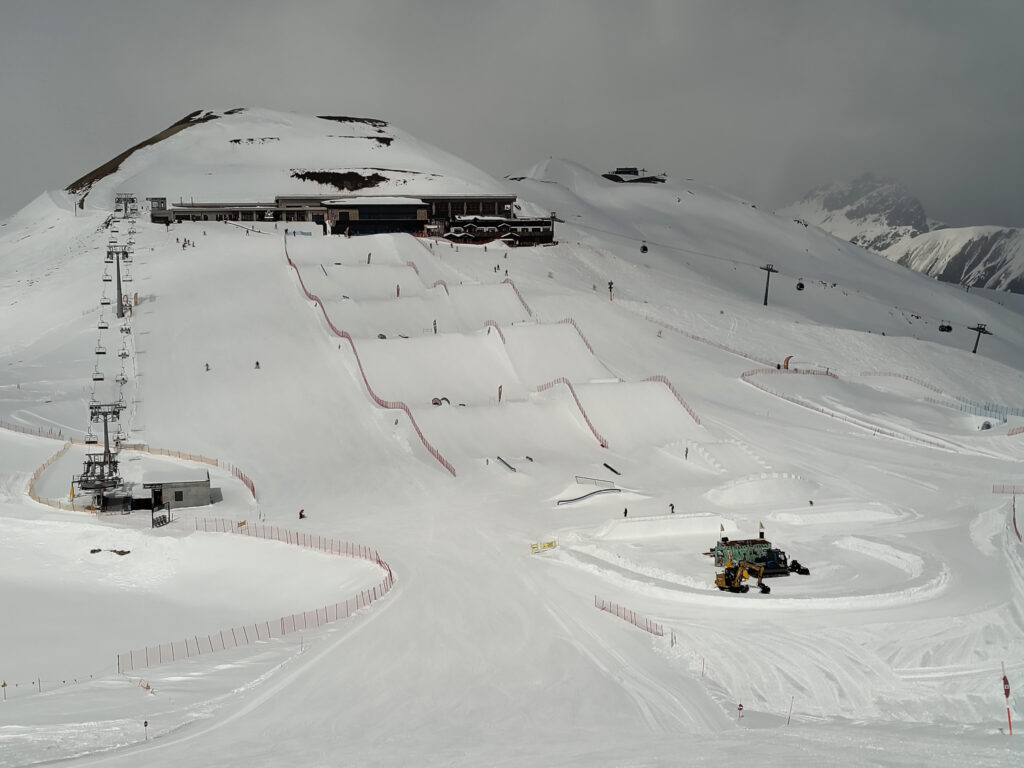
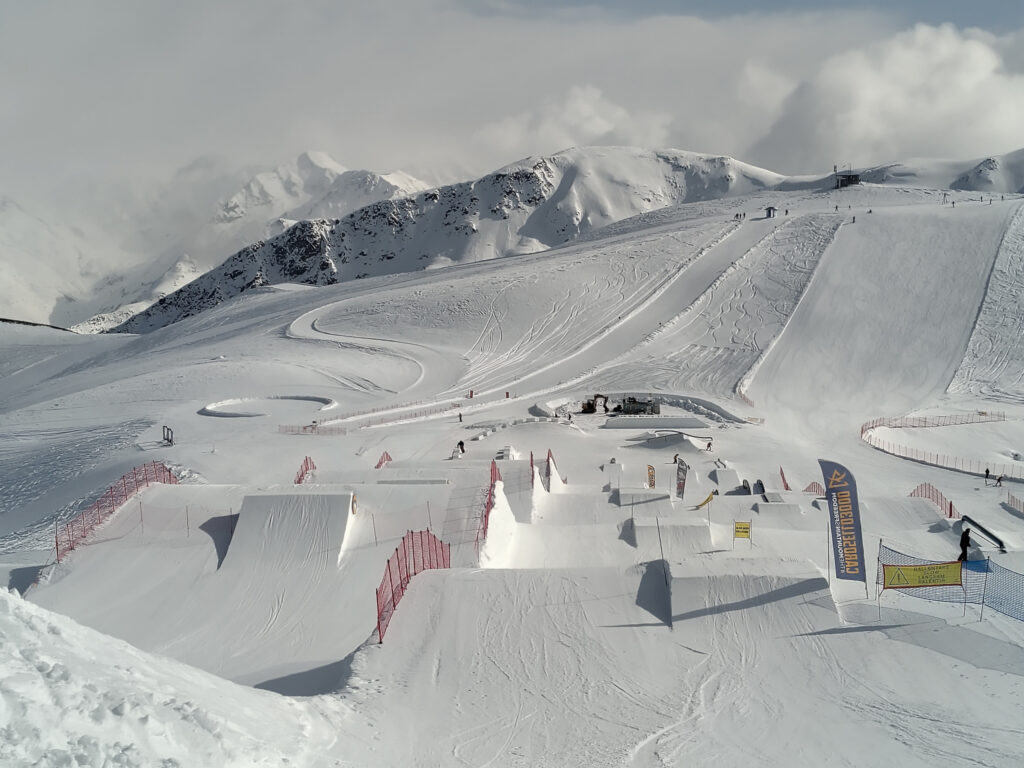
Back in March, I’ve been skiing/snowboarding in Livigno for the first time. I had heard good things about it in the past, but there are just so many other ski-resorts closer to where I live. I wasn’t disappointed. They have two small ski areas, that are not linked together. But there is a lot of open terrain and several well-maintained snow-parks. We were also super lucky with snow-conditions and weather.
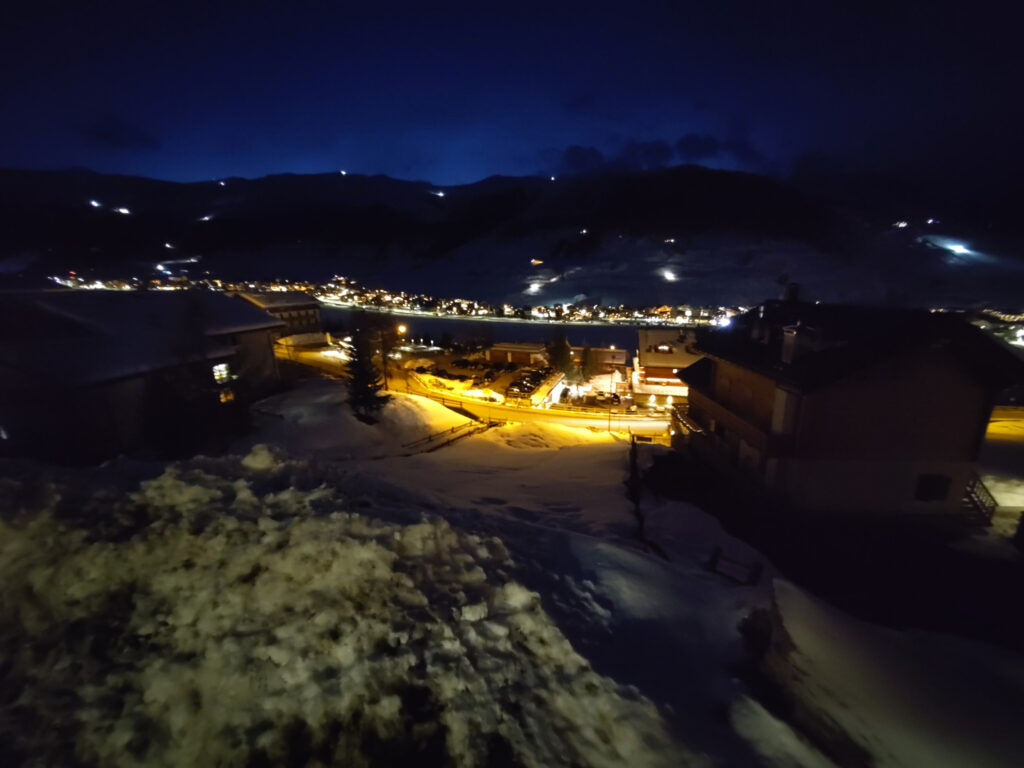
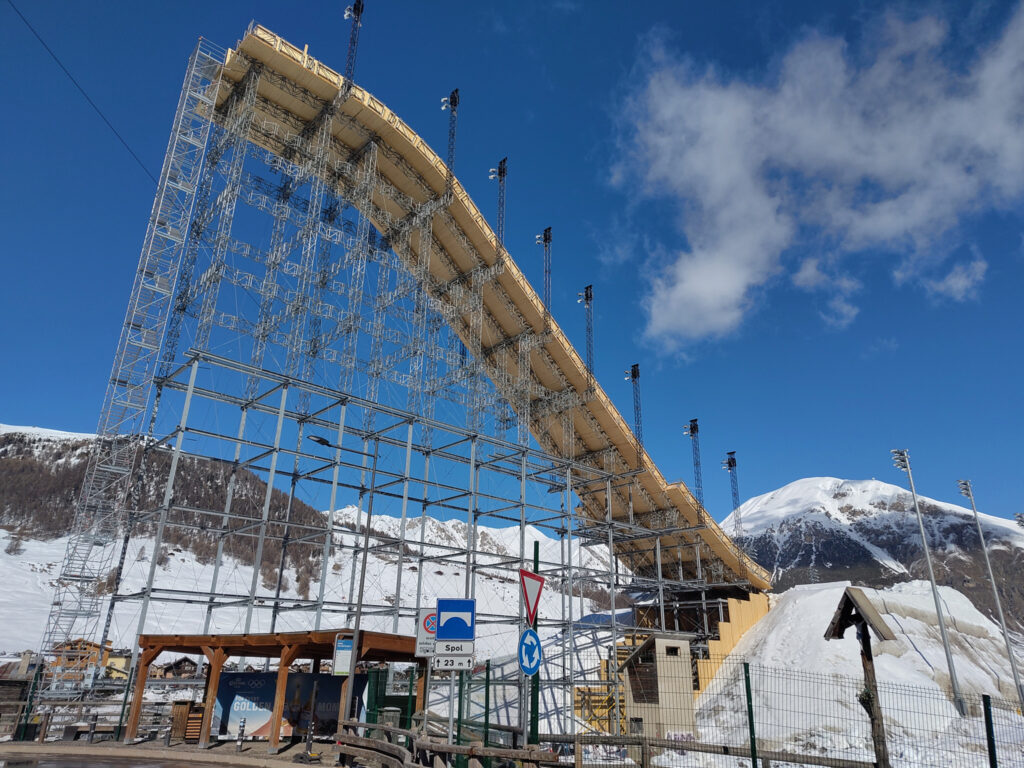
This massive ramp was in the last picture was not open for public. It had been built for the big-air contests that had taken place in Livigno as part of the Winter Olympics. I did not have these on my radar at all, and I was surprised that they had built the jump in the middle of the flat valley, rather than on a nearby hill. Must have taken heaps of building materials and tons over tons of snow for the table/landing.
Continental Divide Maps
But that wasn’t what surprised me most on this trip. I found the location of Livigno way more fascinating. It lies in a remote valley in northern Italy, and connects to the rest of the country over the Foscagno Pass. It also connects to Switzerland over the Livigno Pass.
Obviously, water cannot flow over these road passes (or any smaller passes and mountain ridges). So where does all the water from Livigno go? Turns out that it flows to the north through the Spöl river, which merges into the Inn, and later into the Danube.
This means that this part of Italy lies north of the main chain of the Alps and drains water into the Black Sea. I found this surprising, because further to the east, the main chain firmly establishes the border between Austria in the north and Italy in the south. (There may be other violations to this rule of thumb, but these are usually tiny. Some areas in the very east of northern Italy also drain into the Black Sea, but their water merges into the Danube much further downstream – and stays firmly south of the main chain.)
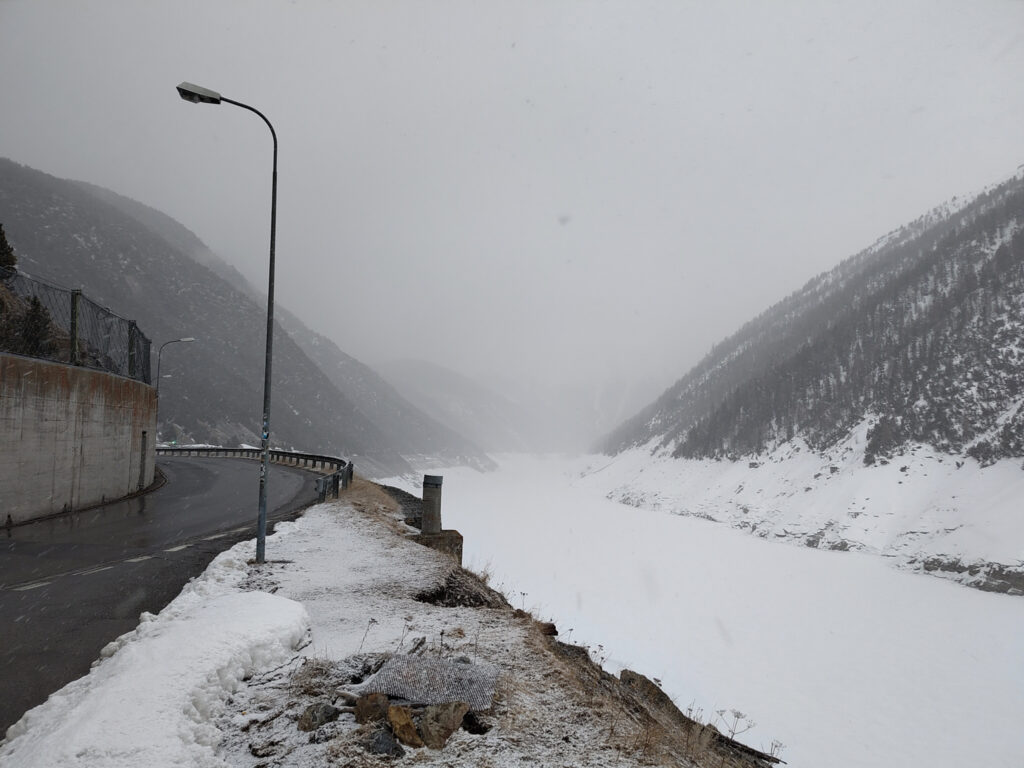
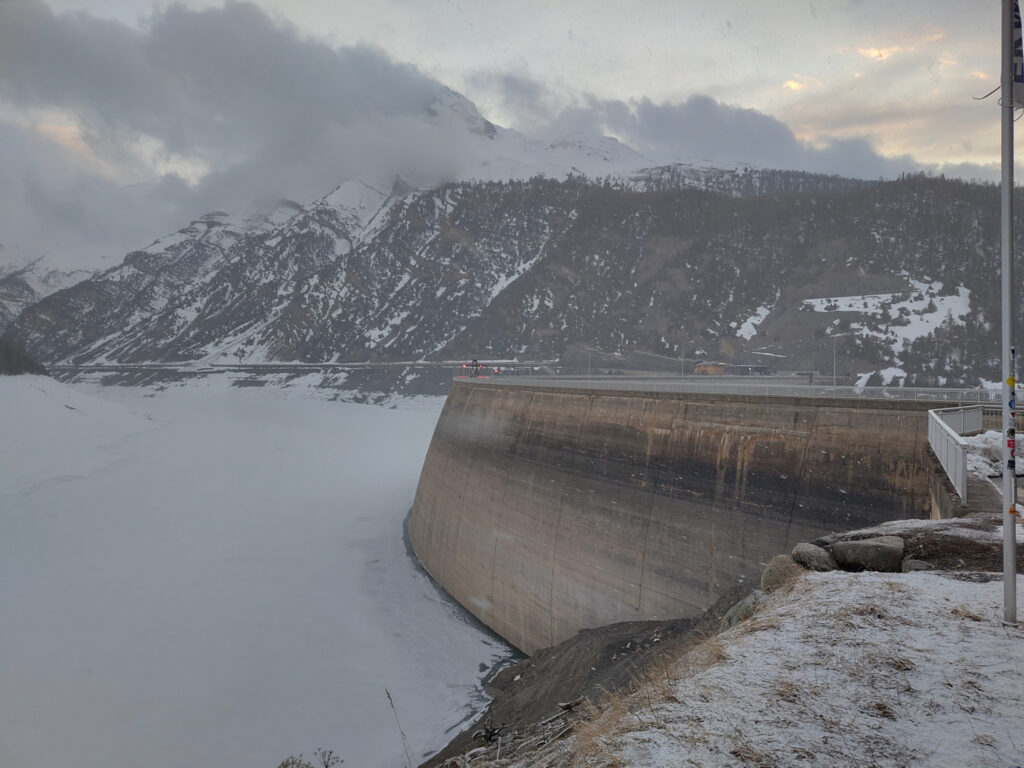
From a practical perspective, a big reservoir (Lago di Livigno) makes matters more complicated. Its damn lies right on the border between Italy and Switzerland. Cars cannot simply follow the Spöl river northwards into Switzerland. The valley below the damn is too narrow and its slopes are too steep. Instead, the road passes through a small tunnel, which enters the mountain right at the eastern end of the damn. Just where I’ve taken these photos:
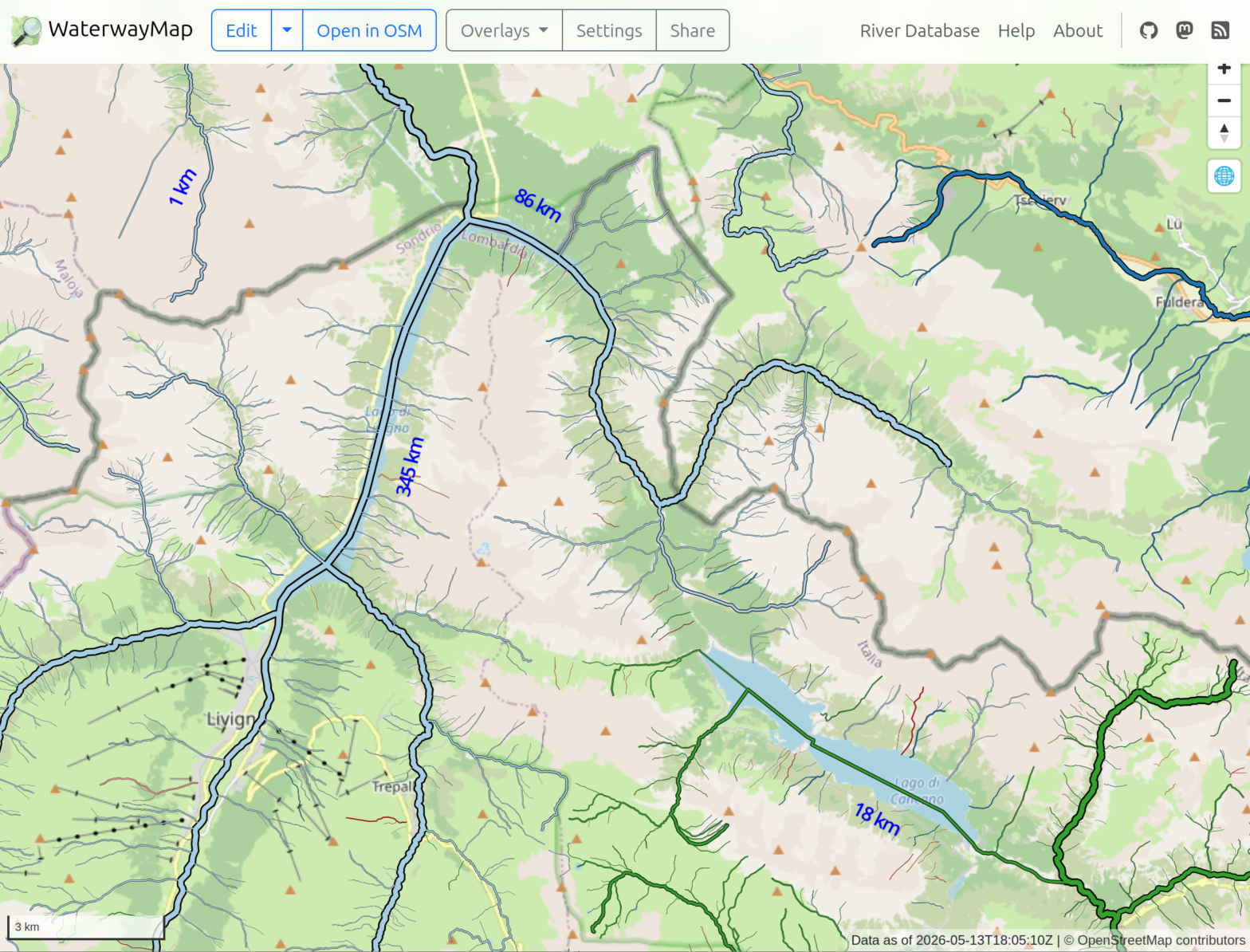
In the past, I’ve found it tedious to piece together such information from maps. Even in “terrain” view, it is easy to get lost in too much detail and loose the track of rivers and streams. This time, I thought there must be better technology out there, I and I found it in the WaterwayMap. Here’s how the Livigno area looks on this map:
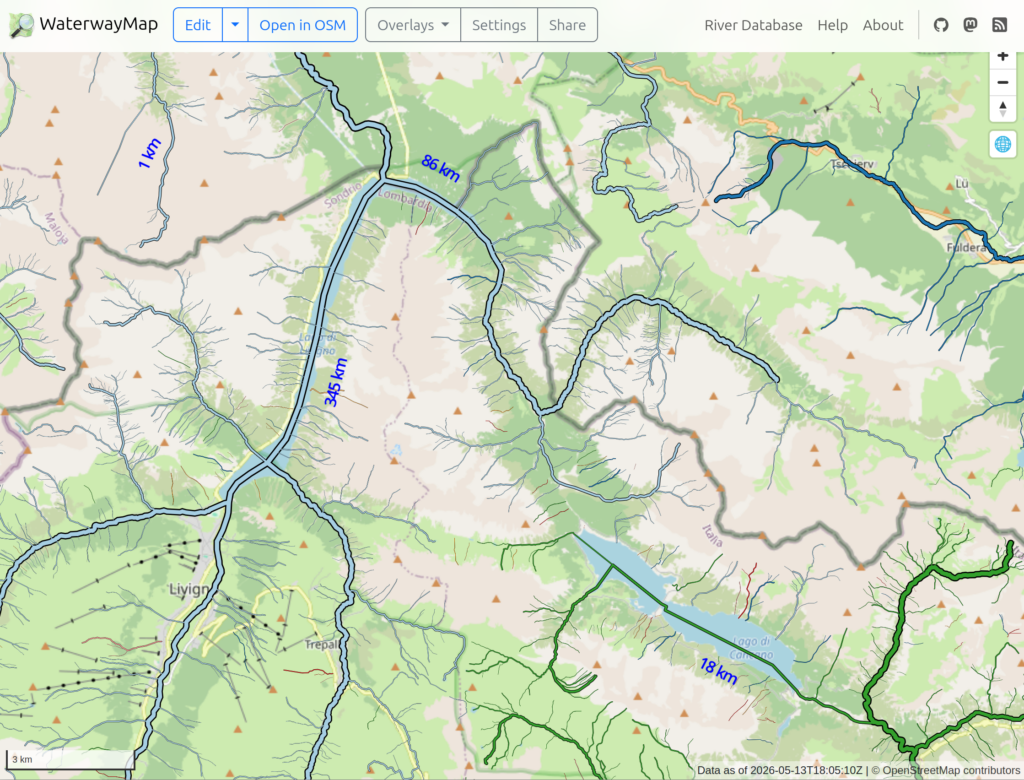
Here, waterways are color-coded by their basin; Danube: light blue, Po: green, Adige: dark blue. Livigno is visible in the lower left, with the reservoir stretching to the north east from there.
Still looks rather confusing, but it’s really helpful when panning and zooming through the map interactively. Just click on the above sceenshot to get there…
Geo Track Maps
I’ve shared track recordings of some hikes on this blog. But I only provided GPX files for download, no visualization on a map. I was simply too lazy to look for a good map plugin for WordPress.
Well, now I’ve revisited this topic and picked a suitable map plugin. I’ve tested it by updating these older posts, adding interactive maps that show the geo tracks:
The WordPress plugin that I picked is simply called OSM. It uses OpenStreetMap, OpenTopoMap, and similar under the hood.
The plugin gives a good impression at a first glance. I appreciate that it does not pull JS code into my blog dynamically. At least, I haven’t observed it yet. Looks like all JS code is statically bundled with the plugin, only the data comes from OSM.
The user-interface for creating map widgets is kinda weird though. The plugin adds a “WP OSM Plugin shortcode generator” panel to the WordPress post editor. This contains a UI, where you can configure your map and generate a corresponding WordPress shortcode. You then need to create a shortcode block in your post and paste the generated shortcode there manually.
It would feel more natural if the plugin simply provided an “OSM” block, where the map contents could be configured. I wonder how much effort it would be to add such a feature?
I’d also like to see a feature that visualizes geo-tagged images on the map. The idea would be to simply point the plugin to a couple of images (or an image gallery), and get a marker on the map for each of them. If you know another plugin that can do this, feel free to let me know! Or, if anyone else wants this, I could have a look a the sources and see what I can do…